









Overview
About Dark Super Sonic in Sonic 3 & Knuckles
What the record confirms
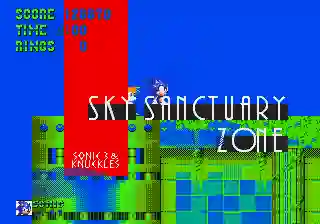
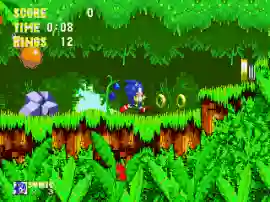
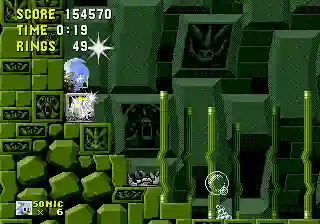
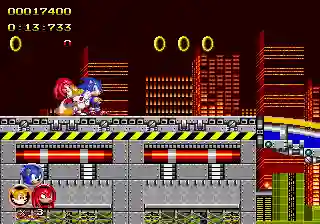
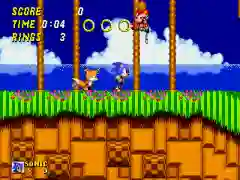
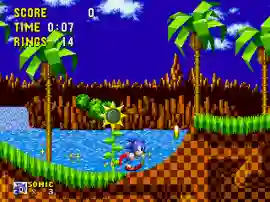
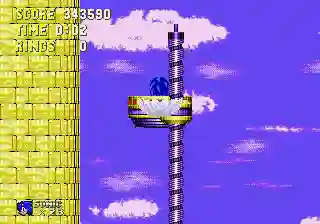
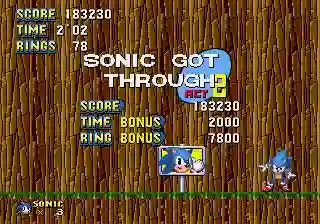
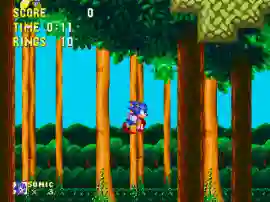
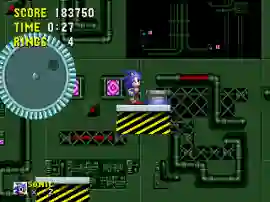
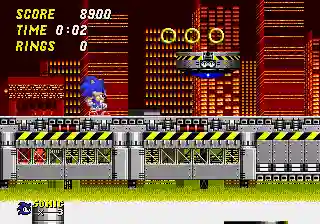
The catalog entry is titled Dark Super Sonic in Sonic 3 & Knuckles. It is filed under the Genesis category, and the page is intended to make this specific entry available for browser play while keeping the supplied metadata visible.
The supplied record does not include a release date, developer, publisher, regional version, review score, player count, or technical emulator details. The missing release field is therefore reported as not provided rather than estimated.
Platform and version identity
The recorded platform is Genesis. The tags also identify Sega Genesis, 16-Bit, and Console, which support the same platform-era classification. These labels do not establish a particular cartridge revision, territory, ROM variant, save behavior, or browser player implementation.
| Field | Recorded value |
|---|---|
| Title | Dark Super Sonic in Sonic 3 & Knuckles |
| Platform | Genesis |
| Release field | Not provided |
| Era and system tags | Sega Genesis, 16-Bit, Console |
Genre signals in the metadata
The record supports describing the entry with Sonic, platformer, action, adventure, side-scroller, jumping, and exploration signals. These tags indicate the catalog's intended classification, but they do not confirm specific stages, mechanics, characters, story events, difficulty, or an official relationship to any particular release.
The title itself identifies a Dark Super Sonic subject within the Sonic 3 & Knuckles name. No further explanation of the modification, scenario, or content is supplied, so those details remain unknown.
How to play online
Guidance: open the entry from the Genesis catalog and use the page's available play control. Let the browser player complete its loading phase, then click inside the game area to give it focus. The actual availability and behavior of browser play can depend on the current player configuration and device.
Controls and device troubleshooting
Guidance: no exact key map is included in the supplied facts. If input fails, click the viewport, verify that the browser tab is active, and inspect the player’s mapping controls. A connected controller may require browser permission or a refresh after pairing.
- On desktop, begin with the key bindings shown by the player.
- On mobile, rotate to landscape if the player exposes touch controls or fullscreen.
- For slow playback, close demanding tabs and reload after the player has initialized.
- If the viewport is empty, refresh once and check browser storage or permission settings.
What is unknown
No release year is supplied. The record also does not confirm the developer, publisher, exact Genesis region or revision, modification history, plot, control scheme, emulator core, save support, resolution, or controller compatibility. No rating or personal playtest claim is made.
Editorial method and limitations
This page is based only on the supplied title, category, platform, tags, and source descriptions. The editorial text preserves the distinction between stored catalog facts and general browser guidance. It does not infer a release date or add unsupported technical, story, or credit information.
Practical next step
Open the Genesis entry on a desktop browser, confirm that the player reaches its input-ready state, and review the displayed bindings. If you need the exact version, release history, or modification details, treat them as unconfirmed until the catalog supplies a dedicated field.